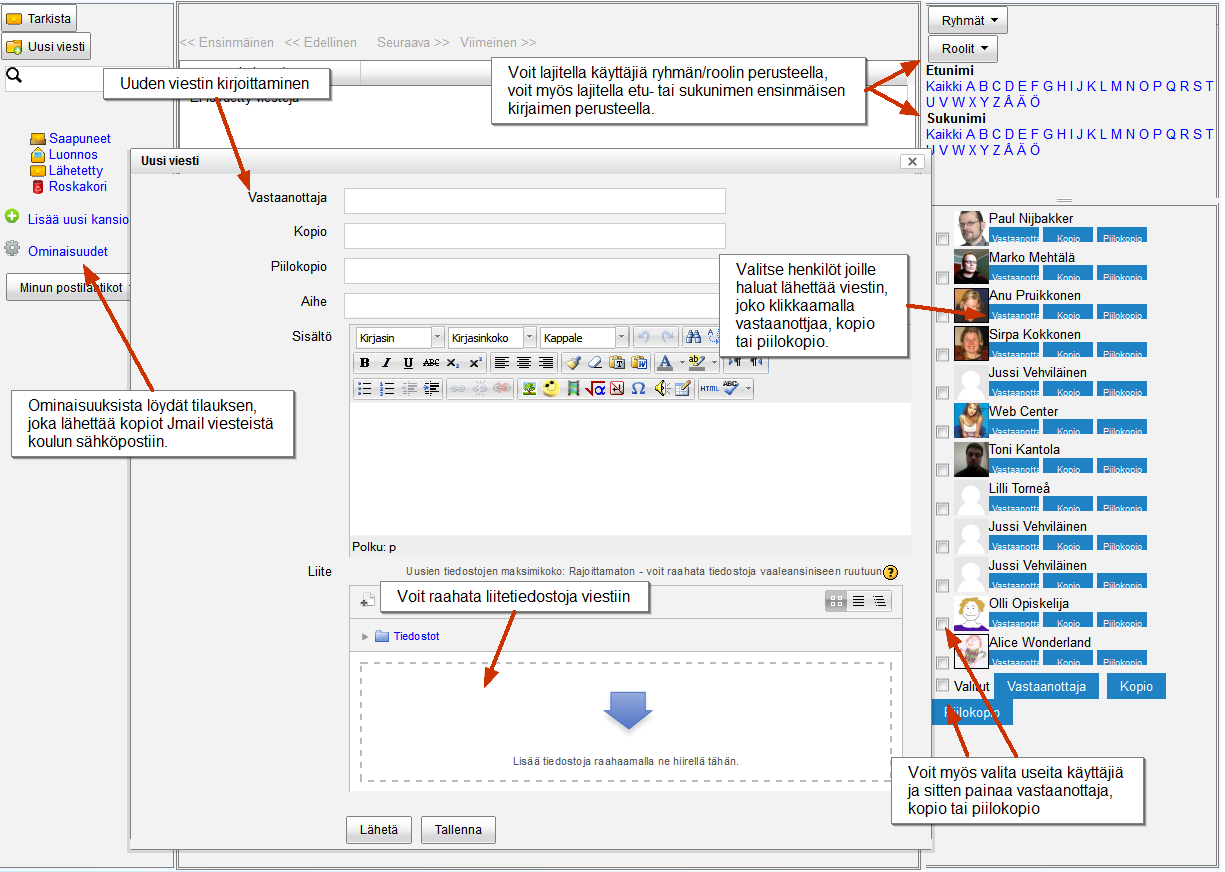
Moodle-oppimisalusta lähettää ilmoituksia ja erilaisia viestejä käyttäjien sähköpostiin, esim. tehtäväilmoituksia ja kopioita keskusteluviesteistä (sillä edellytyksellä että olet tilannut keskusteluviestit). Ongelmana on se, että kaikki sähköpostijärjestelmät eivät käsittele Moodle-viestejä samalla tavalla. Jotta Moodlen lähettämät viestit kulkisivat paremmin, eOppimispalveluissa on päätetty asettaa kaikkien LUC- ja Lappia– käyttäjien sähköpostiosoitteeksi oppilaitoksen sähköposti (käyttäjät voivat asettaa vaihtoehtoisen, henkilökohtaisemman sähköpostiosoitteen Viestit-asetuksissa. Ohjevideo: https://youtu.be/g8atSwecIEQ). Lisäksi 29. marraskuuta kaikki Moodlen lähettämät sähköpostit tulevat osoitteesta noreply@moodle.eoppimispalvelut.fi. Tämän pitäisi parantaa Moodle-viestien vastaanottamista ulkoisiin sähköpostijärjestelmiin, mutta se tekee mahdottomaksi Moodle-viesteihin vastaamisen oman sähköpostin kautta. Jos sinulla on halua/tarvetta vastata Moodle-viestiin, sinun täytyy tehdä se Moodlen kautta. Noreply-muutos on auttomaattisesti, et tarvitse tehdä mitään
——————————————————
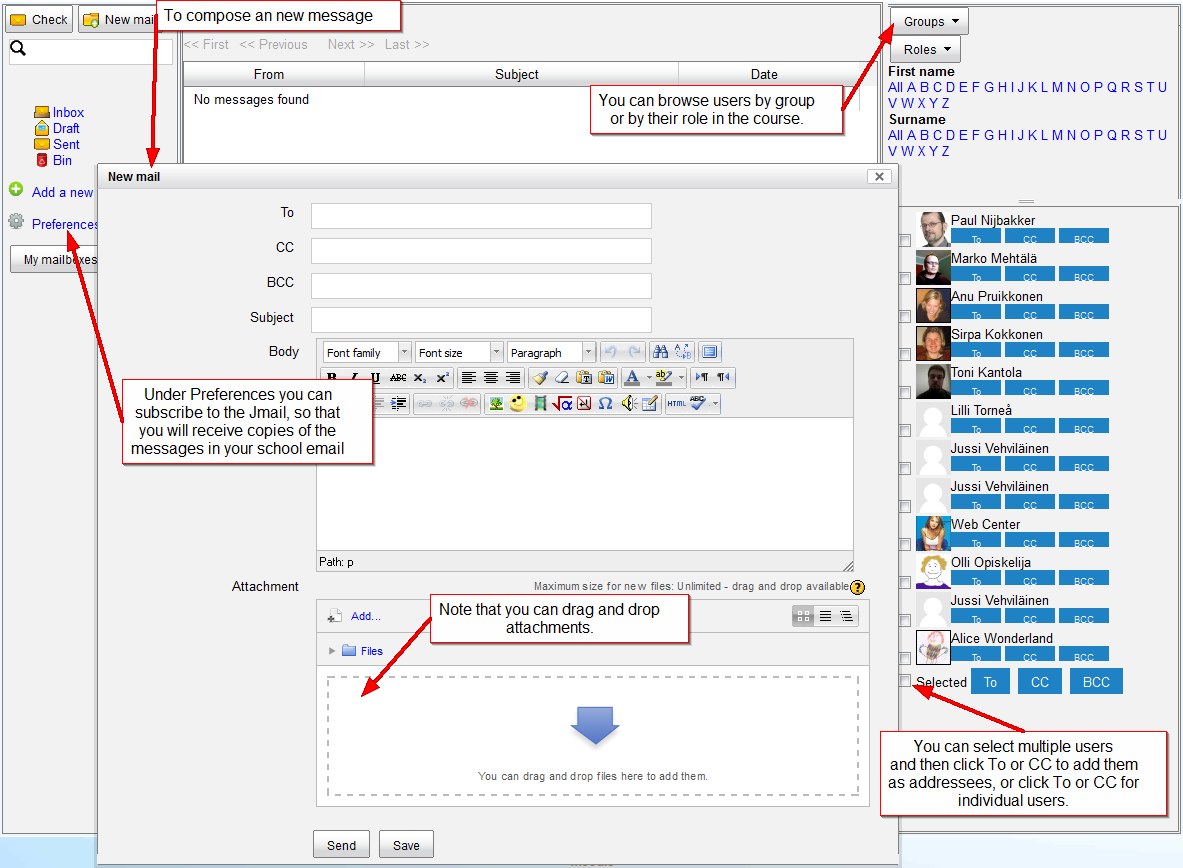
The Moodle learning environment sends out notifications and diverse messages to the email of the users, examples are assignment notifications and copies of forum messages (provided you are subscribed to the discussion forum or thread in question). The problem is that not all email inboxes in use will treat the messages from Moodle equally. To improve the proper delivery of messages sent out by Moodle, the eLearning Services have decided to set the email of all LUC and Lappia-authenticated users to their school email (although users can opt to set an alternative email address in their Messaging settings. Instruction video: https://youtu.be/g8atSwecIEQ). Furthermore, as of 29 November, all outgoing email from Moodle will have noreply@moodle.eoppimispalvelut.fi as sender. This should improve acceptance of Moodle messages by external email inboxes, but it will make it impossible to reply to Moodle messages via your email, i.e. if you want/need to reply to a message from Moodle, you will have to go to Moodle to do so. The noreply change will be automatic, so you do not have to do anything.